- •
You can add Flare Network to MetaMask manually using the correct RPC URL, Chain ID 14, and official network details. - •
Flare is EVM compatible, so MetaMask uses the same wallet address after switching to the Flare network. - •
Always verify RPC details from official sources before saving, as incorrect endpoints can cause connection issues or security risks.
Flare Network has been getting attention, especially from users holding XRP and other non smart contract assets, because it allows them to be used inside DeFi through its FAssets system, and for most users the first step is simple, add Flare Network to MetaMask so they can connect, check balances, and start interacting with applications.
Flare has also been expanding its data-focused infrastructure, with more emphasis on native data feeds and cross-chain interoperability, which is slowly shaping how applications are being built on top of it.
Does MetaMask Support Flare Network?
MetaMask supports Flare because it is EVM compatible. This means you can manually configure it as a custom network using RPC details.
Steps to Add Flare Network to MetaMask
MetaMask allows you to manually configure networks that are not included by default. You only need accurate RPC details, and once entered correctly, the network becomes available instantly.
How to Add Flare Network to MetaMask Manually
To add Flare Network to MetaMask, follow the steps below.
How to Add Flare Network to MetaMask Quick Method
Most users prefer manual setup because it allows them to verify each detail. Still, if you want a faster approach, we provide a simpler method.
You can use our one-click “Add Flare to MetaMask” button, which automatically configures your wallet with the correct Flare RPC details without requiring manual input.
Download MetaMask for your device




About Flare Network
Flare Network is an EVM compatible Layer 1 focused on data access and interoperability. It is designed to bring external data and cross-chain functionality directly into smart contracts.
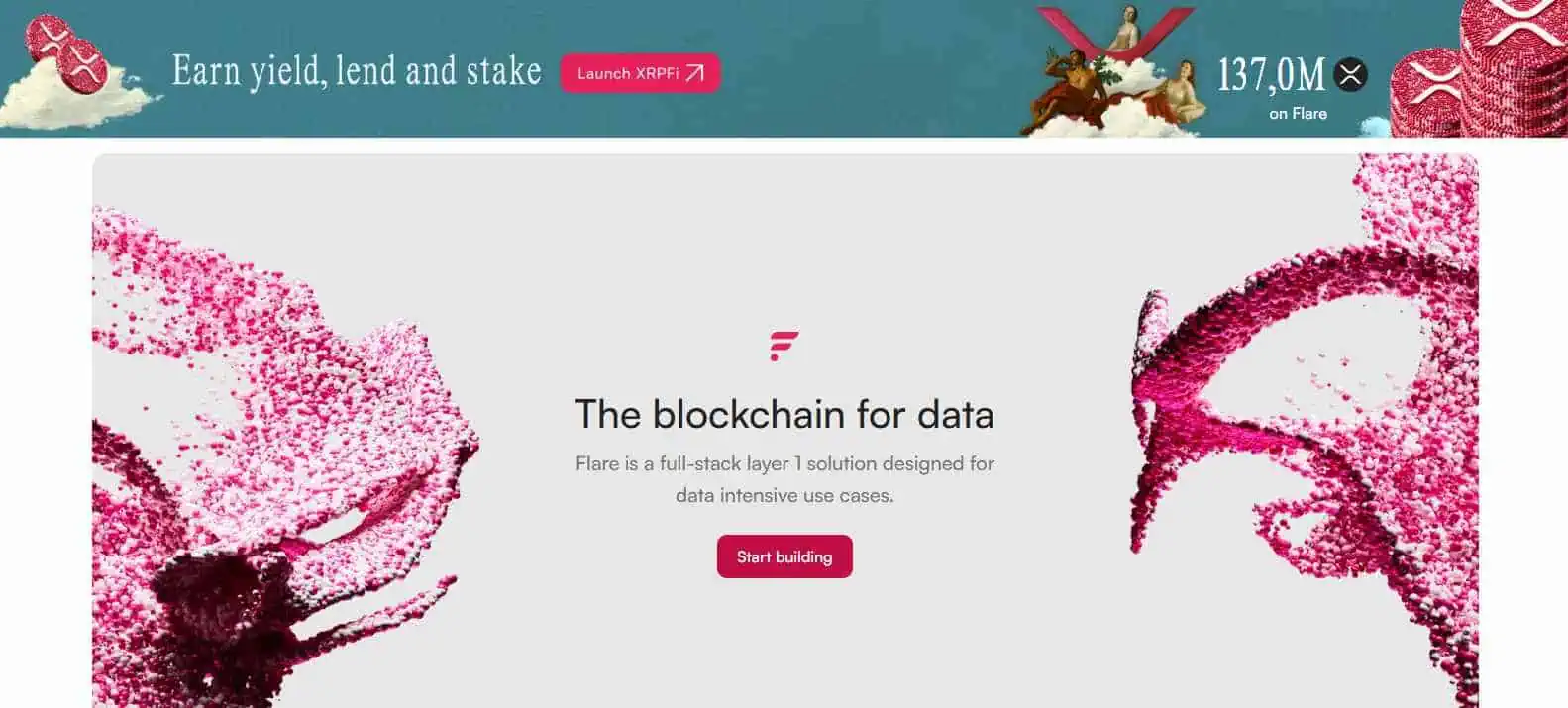
Its FAssets system allows assets like XRP, BTC, and DOGE to be used in DeFi without moving them from their original chains, which changes how liquidity from non EVM ecosystems can interact with smart contracts. Onchain activity has been growing steadily, with total value locked reaching around $168 million, showing gradual adoption across its ecosystem.
Bottom Line
If your goal is to add Flare Network to MetaMask, the process is simple and once configured, your wallet works the same way as it does on any EVM network, allowing you to interact with applications, manage assets, and explore early protocols, and if you plan to move funds into the network, you can also check our guide on how to bridge to Flare to understand the most practical way to get assets into the ecosystem.
FAQs
1. Is Flare Network available by default in MetaMask?
No. You need to add it manually using RPC details.
2. Do I need FLR tokens to use Flare?
Yes. FLR is required to pay gas fees for transactions.
3. Can I use MetaMask normally after adding Flare?
Yes. The wallet functions the same way, only the network changes.