- •
Trust Wallet is a non-custodial crypto wallet with full user-controlled private keys. - •
The wallet is mobile-first, with most features available only on the app. - •
Trust Wallet supports Bitcoin, Ethereum, NFTs, and 100+ blockchain networks natively. - •
No wallet-level fees apply for holding, receiving, or managing crypto assets. - •
In-wallet swaps, staking, perps, and prediction markets stay under self-custody.
Managing crypto today means dealing with more networks, more assets, and more on-chain activity than before. A mobile crypto wallet is often the first layer users interact with, which makes reliability and clarity matter. This Trust Wallet review looks at how Trust Wallet functions as a non-custodial cryptocurrency wallet and where it fits in current usage patterns.
Trust Wallet operates as a decentralized wallet where private keys remain with the user, not on company servers. It supports Bitcoin, Ethereum, and a wide range of other networks, all accessible through a single crypto wallet app. Rather than focusing on promotion, this review stays centered on structure, features, and security behavior so readers can judge how the wallet performs in everyday use.
Quick Overview
Founded in 2017 by Viktor Radchenko, Trust Wallet started as a mobile Ethereum wallet at a time when most users relied on centralized exchanges for storage. The wallet was later acquired by Binance in 2018, which accelerated development while keeping the wallet non-custodial. Private keys continued to remain on the user’s device, not on company infrastructure.
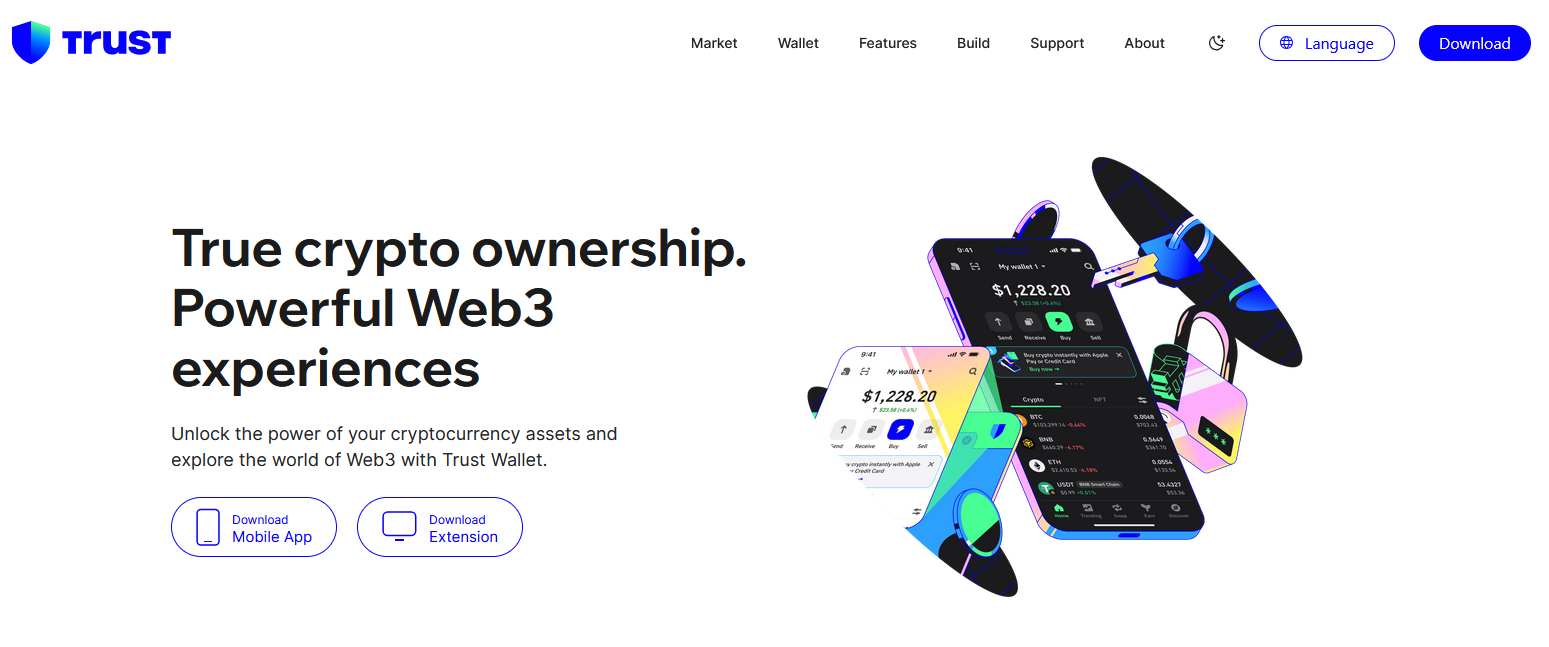
Today, Trust Wallet operates as a mobile-first crypto wallet focused on self-custody. It supports Bitcoin, Ethereum, and a wide range of EVM and Non-EVM compatible networks without manual configuration. Core features include in-wallet swaps, staking, NFT storage, perpetual trading, and prediction markets. While a browser extension exists, the mobile app carries the most complete feature set. Asset control and recovery depend entirely on the user’s seed phrase and backup practices.
Pros and Cons
| 👍 Trust Wallet Pros | 👎 Trust Wallet Cons |
|---|---|
| ✅ Non-custodial self-custody | ❌ Mobile-first focus |
| ✅ Wide network coverage | ❌ Limited desktop features |
| ✅ No wallet fees | ❌ Hardware wallet limits |
| ✅ Strong mobile experience | |
| ✅ Built-in swaps |
Supported Networks and Asset Coverage
Network coverage is one of the defining traits of Trust Wallet. The wallet includes native access to a wide asset support list without requiring manual RPC setup or third-party plugins. Ethereum, Bitcoin, Solana, and other EVM and Non-EVM compatible networks are available by default, alongside several non-EVM chains.
This approach simplifies multi-coin support for users managing assets across ecosystems. Switching between networks happens inside the same interface, which reduces friction during peer-to-peer crypto transfers and on-chain transactions. For beginners, this removes common configuration errors seen in other decentralized wallets.
Core Wallet Features
Trust Wallet includes several functions that go beyond basic token storage. These features operate inside the wallet while keeping assets under self-custody.
In-Wallet Swaps and DEX Integration
Trust Wallet includes a built-in decentralized exchange layer that allows users to swap tokens across supported networks. Liquidity is sourced from integrated DEX providers, with pricing and transaction fees determined by network conditions rather than the wallet itself. Cross-chain swaps are available on selected networks.
Staking and Earn Functions
The wallet supports staking for multiple crypto assets directly from the app. Users can delegate tokens without moving funds to an external platform. Rewards depend on validator performance and network rules, not on Trust Wallet policies.
Perpetual Trading Access
Perpetual futures trading is available through an integrated trading interface on the mobile app. Users can open leveraged positions while keeping funds in self-custody. This feature is not accessible through the browser extension and carries liquidation risk.
Prediction Markets
Trust Wallet includes a prediction markets feature within the mobile app. Users can take positions on real-world outcomes through integrated providers. Availability varies by region, and settlement is handled by the underlying platforms rather than the wallet.
Trust Wallet Token (TWT)
The native TWT token is optional. It is mainly used for governance participation and fee-related benefits on supported services. Holding TWT does not affect wallet security, asset access, or recovery.
NFT Wallet Support
NFTs across supported networks appear directly inside the wallet interface. Trust Wallet functions as an NFT wallet that allows viewing, storing, and transferring assets without separate applications. External marketplace connections remain optional.
Fees and Transaction Costs
Trust Wallet does not apply wallet-level fees for basic usage. Creating a wallet, holding assets, and receiving funds come without charges. When users swap tokens, stake assets, or trade, any costs shown originate from network gas fees or integrated service providers. This separation makes Trust Wallet fees and charges easier to track, since the wallet itself does not modify transaction pricing.
Security Structure and Key Management
Security within Trust Wallet centers on private key security. Keys are generated and stored locally on the user’s device, protected through encryption. The seed phrase acts as the single recovery method, making wallet backup essential.
Additional Trust Wallet security features include transaction warnings and malicious contract detection. While audits and certifications exist, the primary risk factor remains user handling of recovery data. Losing the seed phrase removes access permanently, with no recovery support available.
Mobile App vs Browser Extension
The mobile app provides the most complete feature set. Swaps, staking, NFT management, and trading tools all function natively on mobile. The user interface simplicity is tuned for smaller screens and routine portfolio checks.
The browser extension focuses on asset management and dApp connectivity. Some advanced tools are absent, which makes desktop usage better suited for interaction rather than full crypto portfolio management.
Trust Wallet Compared With Other Wallets
When placed beside other decentralized wallet options such as MetaMask, Trust Wallet leans more toward ease of access than deep configuration control. MetaMask often requires manual network setup, extensions, or additional modules to reach similar multi-chain coverage, especially outside core Ethereum use.
This gap matters more for beginners than advanced users. For those comparing Trust Wallet vs other wallets, the decision usually comes down to whether mobile crypto security and built-in functionality are more important than desktop flexibility and customization depth.
Bottom Line
After reviewing how Trust Wallet operates in real usage, the wallet makes sense for users who spend most of their time on mobile and want everything in one place. Network support is already built in, common actions like swaps or staking stay inside the app, and there are no extra wallet fees added on top. That combination reduces friction, especially for users managing assets across several chains without wanting to configure settings manually.
Where Trust Wallet feels less convincing is on desktop. The browser extension works, but it clearly plays a supporting role. Hardware wallet support is limited, and customer support can feel slow when issues go beyond basic questions. If your workflow is mobile-first and you value direct control over private keys, Trust Wallet fits well. If your setup depends heavily on desktop tools, other wallets may feel more aligned.
FAQs
1. Is Trust Wallet a non-custodial wallet?
Yes. Trust Wallet is a non-custodial wallet. Private keys and the seed phrase are generated and stored on the user’s device. The wallet does not hold, access, or recover keys on behalf of users.
2. Is Trust Wallet safe to use?
Trust Wallet is considered safe when used correctly. It stores private keys locally, uses encryption, and includes transaction warnings for risky contracts. Security still depends heavily on how well the user protects their seed phrase and device.
3. Does Trust Wallet charge any fees?
Trust Wallet does not charge wallet-level fees for holding, receiving, or managing crypto. Any fees shown during swaps, staking, or trading come from network gas costs or third-party providers integrated into the wallet.
4. What cryptocurrencies does Trust Wallet support?
Trust Wallet supports Bitcoin, Ethereum, and hundreds of other assets across more than 100 blockchain networks. This includes major EVM chains and several non-EVM ecosystems, all accessible without manual network setup.
5. What happens if I lose my Trust Wallet seed phrase?
If the seed phrase is lost and the device cannot be accessed, the wallet cannot be recovered. Trust Wallet does not store backups or offer reset options under any circumstance.