

- •
Superbridge provides a direct method to Bridge to Ink Network from Ethereum and supported Layer 2 networks within the Superchain ecosystem. - •
Ink Network uses ETH for gas, so maintaining a small ETH balance after bridging ensures uninterrupted DeFi transactions and contract interactions. - •
Most bridging delays occur due to insufficient gas, incorrect network selection, or unverified routes rather than issues with the bridge infrastructure itself.
Ink Network is an OP Stack Layer 2 within the Optimism Superchain, built to support DeFi-focused activity with lower fees and fast settlement. Liquidity has expanded across lending markets, DEXs, and perps, attracting users reallocating capital from Ethereum and other L2s. Recent ecosystem developments include ongoing liquidity programs and work around native stablecoin infrastructure. If you plan to Bridge to Ink Network, the objective is typically execution efficiency and access to active onchain financial markets.
Prerequisites to Bridge to Ink Network
Before you Bridge to Ink Network, confirm the following:
- You need an EVM-compatible wallet such as MetaMask or Rabby. If Ink does not appear by default, you will need to add Ink to your wallet.
- Ink uses ETH as its gas token. Keep a small ETH balance on Ink after bridging to cover transactions.
- You also need the native gas token on the source network to initiate the transfer.
- A stable connection is important to avoid incomplete signatures or failed confirmations.
Step-by-Step Guide: Bridge to Ink Network via Superbridge
Superbridge is optimized for OP Stack and Superchain transfers, including Ink. It offers direct routing across supported chains without layered aggregation logic.
To Bridge to Ink Network using Superbridge, follow these steps.
Alternative Bridge Options to Move Assets to Ink Network
While Superbridge is a direct method to Bridge to Ink Network, other platforms may be suitable depending on your starting network.
Stargate Finance
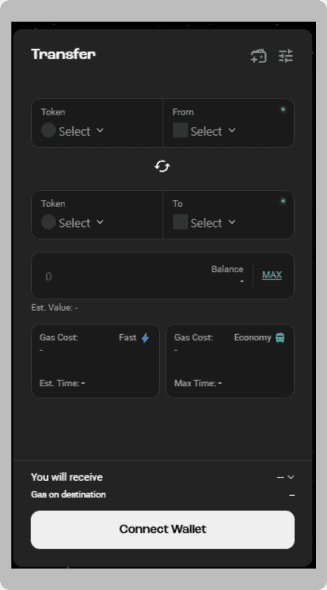
Stargate Finance supports cross-chain transfers across many networks, including Ink. It operates through unified liquidity pools, enabling direct asset transfers without complex routing steps. It is often used when funds are already positioned on supported Layer 2 networks.
Rhino.fi
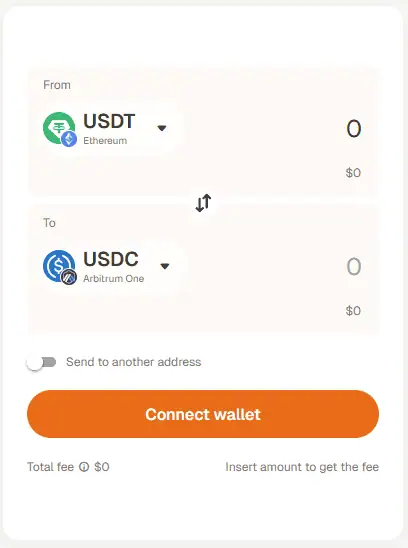
Rhino.fi functions as a bridge aggregator. It searches across multiple routes to determine an efficient transfer path. This can be useful when bridging from less common networks or when direct routes are limited. Aggregator fees may increase total cost depending on the route selected.
Security Considerations:
When bridging to Ink Network, keep these precautions in mind:
- Bridge Verification: Always use Superbridge and verify the URL manually. Avoid spoofed domains or search ad links.
- Pending Transactions: If a transfer appears delayed, check the source network explorer before retrying. Do not submit duplicate transactions.
- Route and Fee Review: If the estimated received amount seems lower than expected, review route details, bridge fees, and gas costs before confirming.
If your tokens do not appear after bridging, confirm that Ink is added to your wallet, verify the receiving address, and check the transaction status on the relevant block explorer before contacting support.
Bottom Line
When you Bridge to Ink Network, you are transferring capital into a lower-cost execution layer anchored to Ethereum security. The technical process is straightforward if gas requirements and wallet configuration are handled properly. The more important step is capital deployment after arrival. Assess liquidity depth, lending utilization, and trading conditions before committing funds. Bridging is infrastructure. Performance on Ink depends on how effectively you manage fees, timing, and risk once assets are live on the network.
FAQs
1. Is Superbridge safe for bridging to Ink?
Superbridge is widely used for OP Stack transfers and routes assets directly across supported chains.
2. How long does it take to Bridge to Ink Network?
Most transfers complete within minutes, depending on congestion and the source network.
3. Do I need ETH after bridging?
Yes. Ink uses ETH for gas, so a small ETH balance is required for transactions.