- •
You can add MegaETH to MetaMask manually using the correct RPC, Chain ID 4326, and official network details. - •
MegaETH is EVM compatible, so MetaMask uses the same wallet address after you switch to the MegaETH network. - •
Verify the RPC and Chain ID from official MegaETH documentation before saving, since fake endpoints are common around new networks.
MegaETH has been getting attention for its attempt to deliver real-time confirmations within an Ethereum Layer 2 structure. For most users, the first step is simple: add MegaETH to MetaMask so they can connect to applications, check balances, and sign transactions as they would on any other EVM network. MegaETH does not appear by default in MetaMask, so it must be added manually as a custom network. The process takes only a few minutes and uses your existing wallet address.
Can I Add MegaETH to MetaMask?
Yes. MegaETH can be added to MetaMask because it is EVM compatible. MetaMask supports EVM networks through custom network settings, as long as you enter the correct RPC and chain details.
Steps to Add MegaETH to MetaMask
MetaMask supports EVM networks, but not all of them are added by default. That is why it allows users to add custom networks through the settings panel. By entering the correct RPC details, you can configure your wallet to connect to additional chains.
To add MegaETH to MetaMask, you need the accurate network information. Once entered correctly, MegaETH can be added within minutes, allowing you to switch networks and start interacting with applications deployed on it.
MegaETH Network Details
The RPC details for MegaETH are available in the official documentation on its website. You can verify them directly from the source, or use the network information provided below while following the steps to add MegaETH to MetaMask.
How to Add MegaETH to MetaMask Manually
Simply follow the steps below to add MegaETH to MetaMask through the Settings menu.
How to Add MegaETH to MetaMask Quick Method
Most users prefer the most secure and reliable way to add new networks to MetaMask. For them, adding MegaETH manually through the network settings is usually the best choice, since you enter and verify each detail yourself.
That said, there is another secure option. You can use our custom Add MegaETH to MetaMask button, which removes the need to manually paste RPC details. It automatically configures your MetaMask wallet with the correct MegaETH network parameters in just one click.
Download MetaMask for your device




About MegaETH
MegaETH is a high performance Ethereum compatible blockchain built to increase throughput and reduce execution latency beyond traditional Layer 2 models. It runs as a fully EVM compatible environment, meaning developers can deploy Solidity contracts without rewriting code and users can connect through wallets like MetaMask. The network focuses on infrastructure level execution speed and parallel processing to handle high transaction volume. It supports standard ERC tokens and remains aligned with the broader Ethereum ecosystem.
Bottom Line
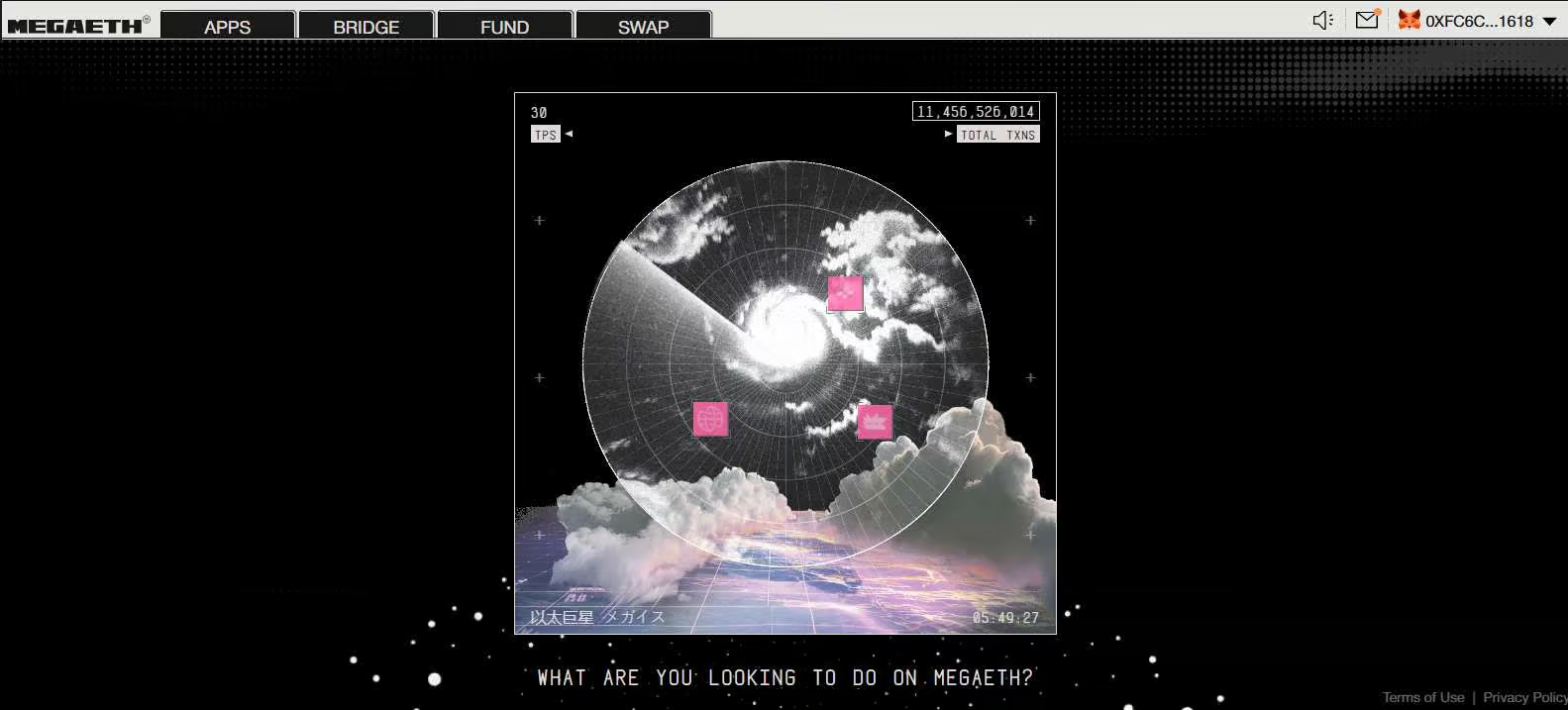
Adding MegaETH to MetaMask is a simple network configuration step. Once it is added, MetaMask works the same way it does on other EVM networks: same address, same signing flow, just a different network context. From there, you can connect to early apps through portals like Rabbithole, bridge to funds to MegaETH, interact with dApps, and test transactions to see how the network behaves under real use.
FAQs
1. What token do I need for gas on MegaETH?
MegaETH uses ETH for gas.
2. Is MegaETH secured by Ethereum?
Yes. MegaETH relies on Ethereum for final settlement, with data availability through EigenDA.
3. Which wallets support MegaETH?
Any EVM-compatible wallet can support it, including MetaMask and Rabby, as long as you add the network details.